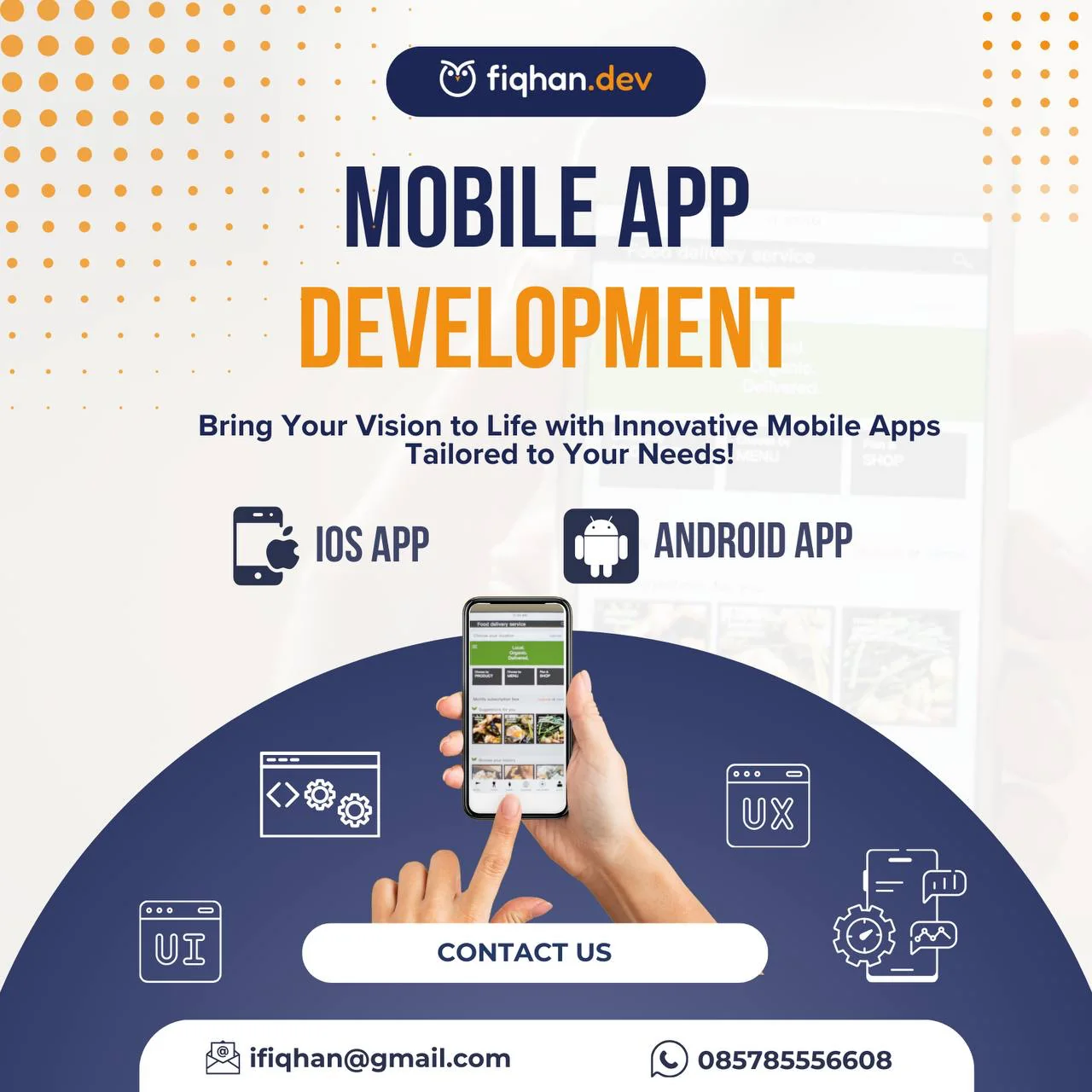
Mobile App Development
- Ibrahim Fiqhan
- Mobile development
- March 29, 2025
Table of Contents
Mobile apps built, released, and set up so your team can keep releasing after I’m gone.
I’m an Apple Developer Academy graduate with App Store shipping experience, and I currently manage app lifecycle on both the App Store and Google Play. That means the awkward parts — signing, provisioning, store review, staged rollout — are things I’ve done repeatedly rather than things we’ll work out together.
What you get
- Source code in your repository, with your app registered under your developer accounts. Never mine.
- Builds for iOS and Android, from one Flutter codebase or built natively where that’s the better call.
- An automated release pipeline — commit, and a build reaches your testers without anyone touching a laptop.
- TestFlight and Play Console internal testing configured, with your team invited.
- Signing and certificates set up properly, documented, and owned by you.
- Store submission handled: listing copy structure, screenshots at required sizes, privacy declarations, and the review back-and-forth.
- App icon and splash assets generated at every required density.
- Crash reporting and analytics wired in.
- A runbook covering how to cut a release, roll one back, and rotate credentials.
- Handover session with your developers, plus 30 days of post-launch defect support.
What I can build
The poster says iOS and Android, which is the honest summary. Here is how each one is actually delivered.
iOS App
Native in Swift and SwiftUI when an app needs to feel genuinely native, or has to reach platform APIs that cross-platform bridges wrap badly — CloudKit, widgets, App Clips, HealthKit.
Cross-platform in Flutter when it doesn’t need that depth, which is most of the time.
Either route, the Apple-specific parts are mine to deal with: signing, provisioning profiles, TestFlight, and the App Store review conversation.
Android App
Built from the same Flutter codebase as the iOS app. For most products that is simply the right economics — one team, one test suite, consistent behaviour, and roughly half the ongoing maintenance of two native builds.
Play Console setup, internal testing tracks, and staged rollout are included.
One thing to be straightforward about: I deliver Android through Flutter, not native Kotlin. Flutter covers the large majority of requirements, and where it genuinely would not I will tell you rather than force it.
UI & UX
Interface implementation from your designs, or sensible defaults if you don’t have designs yet: navigation structure, empty states, loading and error states, and the accessibility basics that usually get skipped.
Worth setting expectations — I implement interfaces. I am not a brand or visual identity designer. If you want that, bring one and I will build to their work.
Release Pipelines
Frequently the most valuable part, and almost always missing from a quote.
Automated builds on Xcode Cloud, GitLab CI, GitHub Actions, or Bitbucket Pipelines. Automatic signing, so an expired certificate stops being an event that ruins an afternoon. Distribution straight to TestFlight or Play internal testing.
I did exactly this for a Flutter iOS app by replacing an on-premise Mac Mini build server with Xcode Cloud, including the custom scripting a Swift-oriented pipeline needs before it will build Flutter at all.
Stack
| Layer | Options |
|---|---|
| Cross-platform | Flutter, Dart |
| Native iOS | Swift, SwiftUI |
| Backend | Laravel, Go, Node, Firebase |
| Data | PostgreSQL, MariaDB/MySQL, Firebase, CloudKit |
| Push & messaging | Firebase Cloud Messaging, APNs |
| CI/CD | Xcode Cloud, GitLab CI, GitHub Actions, Bitbucket Pipelines |
| Distribution | TestFlight, App Store, Google Play |
How it runs
1. Scoping. Screens, platforms, integrations, store requirements, and what’s out of scope, in writing.
2. Accounts and pipeline. Your developer accounts, signing, and automated builds — set up before feature work, so “can we get a build to the client?” is never a question.
3. Build. Increments your testers can install as they’re finished.
4. Release. Store submission, review handling, and staged rollout.
5. Handover. Runbook, walkthrough, support window.
Worth knowing
Apple and Google both charge for developer accounts, and both review submissions on their own timeline. I’ll flag anything likely to attract a rejection before we submit rather than after.
Get in touch
Building something new, or stuck with an app you can’t release? Send a message on WhatsApp.