Migrating 50+ Legacy Apps from cPanel to Docker
- Ibrahim Fiqhan
- Dev ops , Infrastructure
- January 20, 2026
Table of Contents
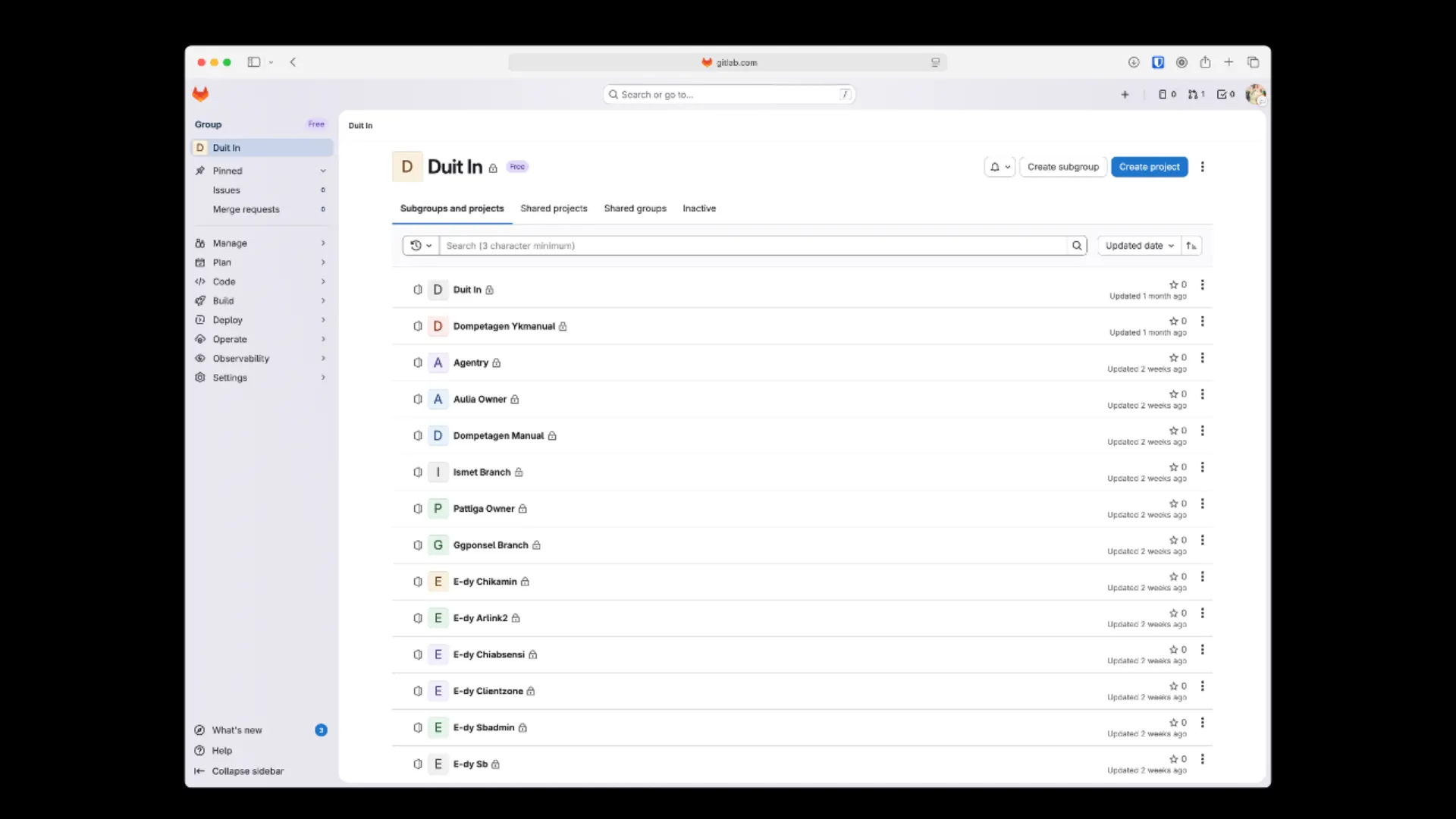
Fifty-something PHP applications on one cPanel server. All sharing a PHP version, a filesystem, and a fate.
Upgrading anything meant asking whether all fifty could survive it, and since nobody could answer that, the answer was always no. So the PHP version stayed where it was, the applications aged, and the risk quietly compounded.
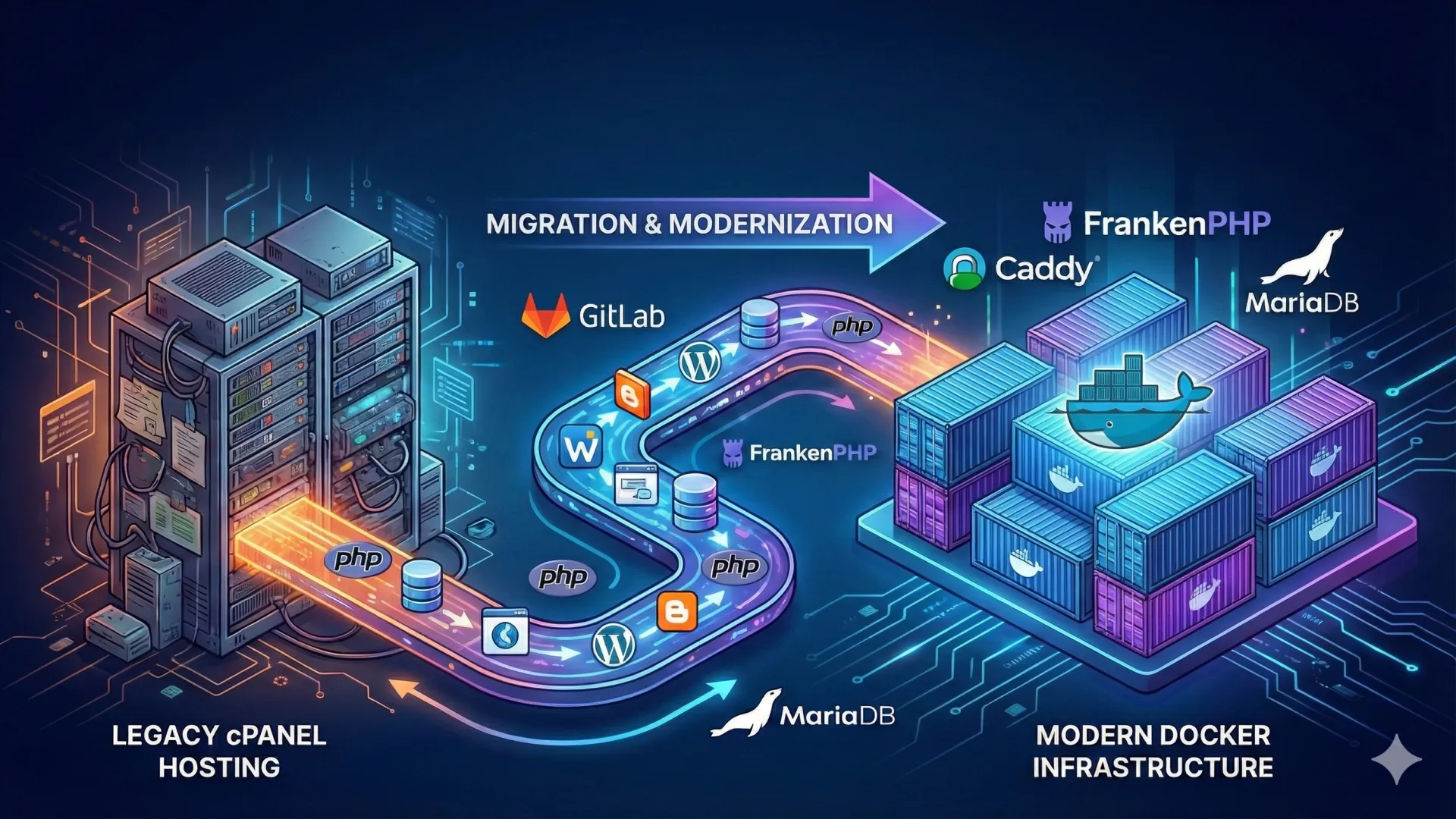
I moved the whole estate onto a Dockerised VPS, one container per application.
The interesting part wasn’t the containers. It was finding out what was actually running.
What was actually wrong
Three things, and they compounded.
Dependencies first. Applications wanted different PHP versions and different extensions, so any upgrade was a gamble across the whole server rather than a decision about one codebase.
Then deployment. Updates went out over FTP, or by SSHing in and running git pull and hoping, which works right up until the day it doesn’t and you’re diffing a production directory against a repository at midnight.
And isolation, or the absence of it. One compromised application could read every other application’s files.
The shape of the fix
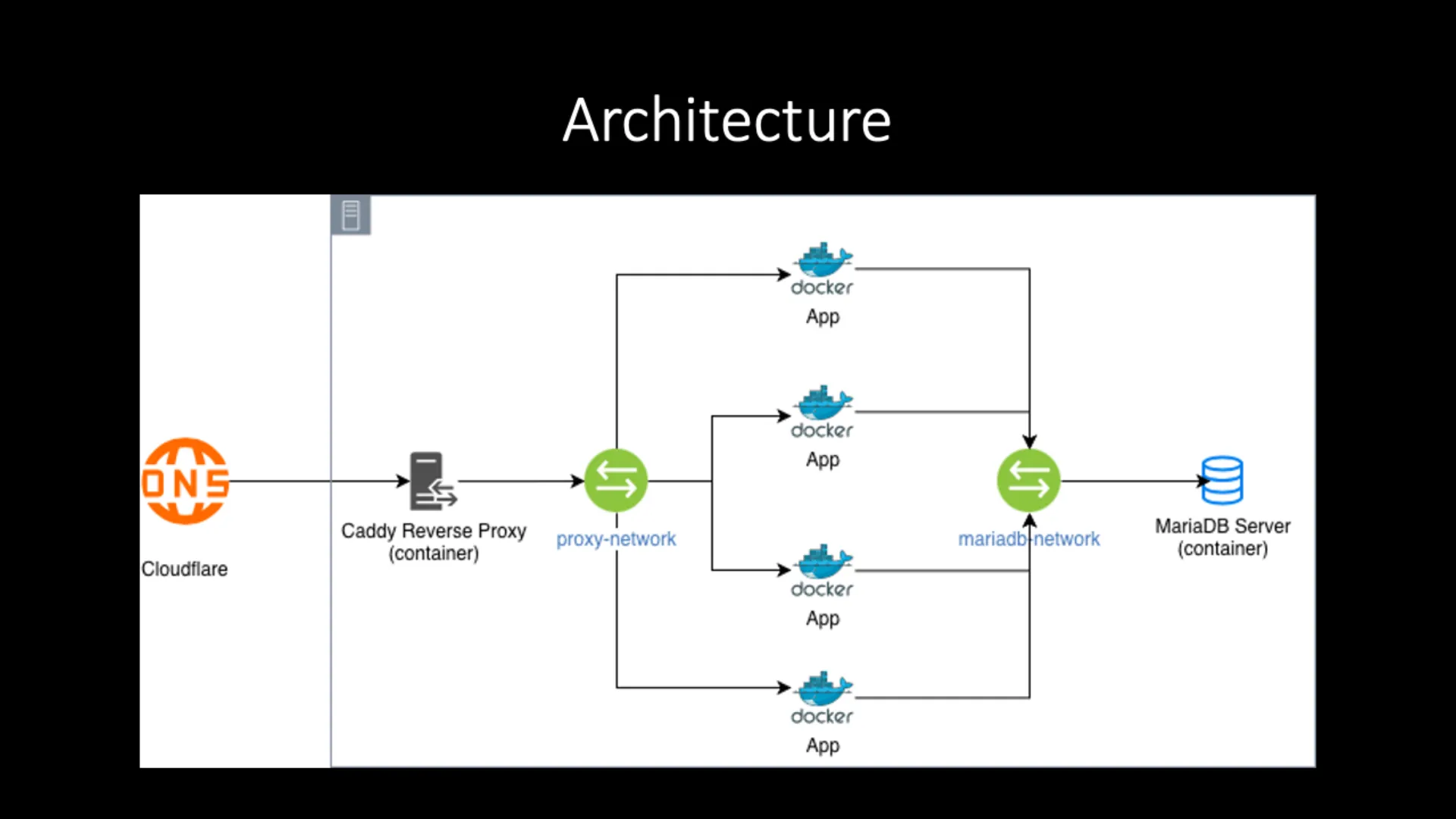
Each application gets its own container, orchestrated with Docker Compose, sharing only the infrastructure it makes sense to share.
1. Modern Stack Implementation
- Runtime: Switched to FrankenPHP (Alpine) for high-performance, low-memory footprint containers.
- Reverse Proxy: Deployed Caddy Web Server to handle automatic SSL termination and domain routing for all 50+ apps.
- Database: Centralized MariaDB container with persistent volume management to optimize resource usage.
2. Automation & Tooling
To handle the scale of 50+ domains, I developed custom tooling:
- Bulk Provisioning Script: A Bash script (
provision_server_dirs.sh) that reads a CSV inventory and automatically generates directory structures anddocker-compose.ymlfiles. - Standardized Dockerfiles: Created a multi-stage build template that optimizes image size and standardizes the environment across all projects.
3. CI/CD Pipeline
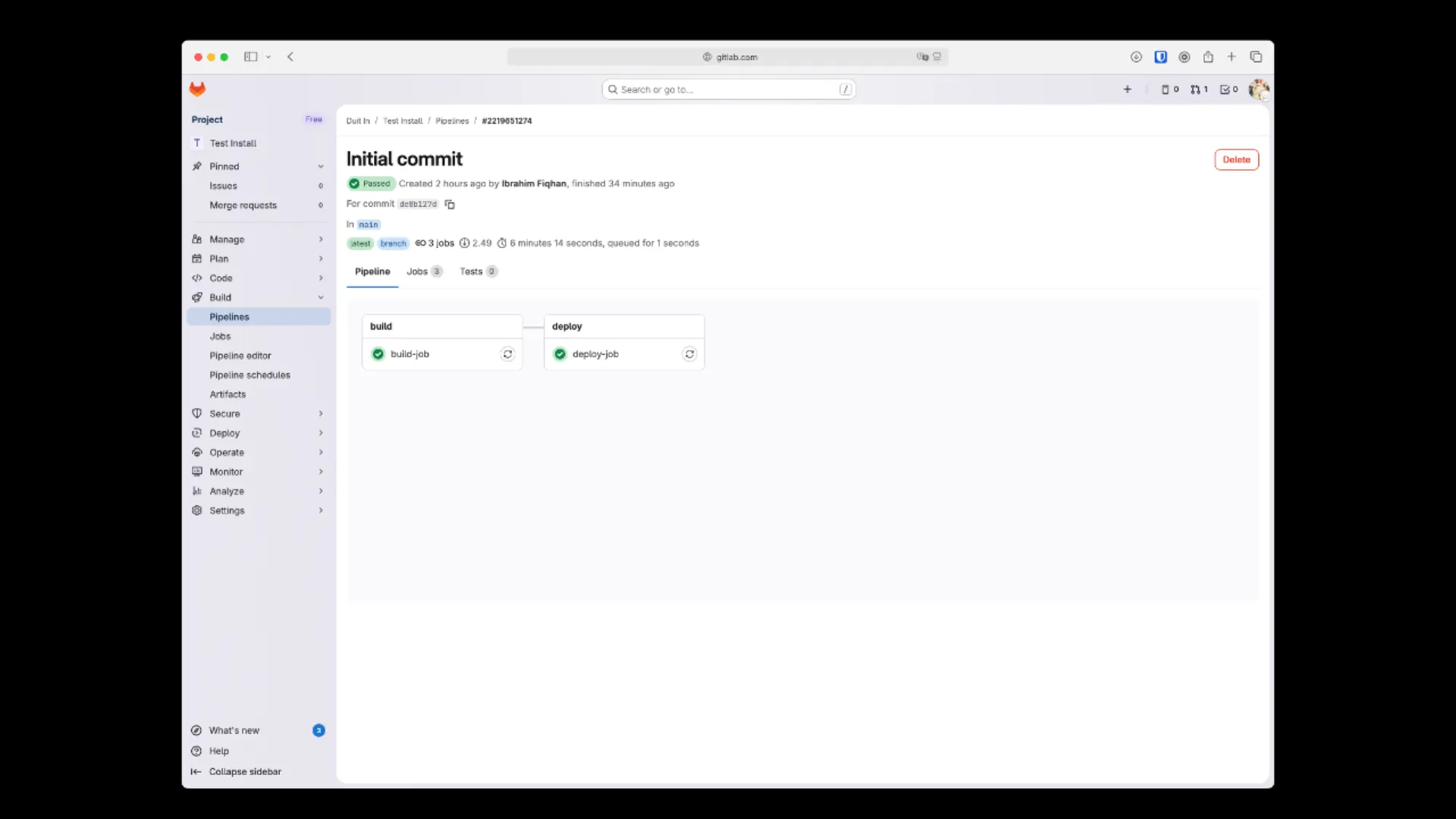
Implemented a GitLab CI/CD pipeline that supports:
- Automated Builds: Dynamic image tagging based on dates.
- Secure Deployment: SSH-based deployment triggers that pull the latest images and restart containers with zero-downtime strategies.
Technologies Used
- Docker & Docker Compose: For containerization and orchestration.
- FrankenPHP: As the modern, high-performance application server.
- GitLab CI/CD: For automating the build, test, and deploy pipeline.
- Bash Scripting: For infrastructure provisioning and automation.
- Caddy: As a modern, automatic HTTPS reverse proxy.
- MariaDB: For centralized data management.
Where it landed
Each application now declares its own PHP version and extensions. Upgrading one is a change to one file, and it cannot break the other forty-nine.
Deployment went from a manual FTP-or-git-pull ritual to a pipeline. Merge, and it ships.
The numbers: 15 minutes down to under 2, roughly 90% faster. Custom Bash tooling for domain provisioning cut new site setup time by about half on top of that.
But the figure I’d actually point at is willingness. When shipping a one-line fix costs two minutes instead of fifteen and a held breath, people start shipping one-line fixes.
Isolation is real now. A compromised application reaches its own container and stops there, which was not true before and had been quietly true for years.
What I’d tell anyone doing this
Budget for the inventory, not the containers.
Writing Dockerfiles is the easy, satisfying part you can do in an afternoon. Establishing which of fifty applications is still in use, who owns it, which cron jobs matter, and what undocumented PHP extension it silently depends on: that’s the project. Everything after it is mechanical.
Feel free to check out the automation scripts in the GitHub Repository or contact me to discuss DevOps solutions for your business.
Ready to build your next project with me?
I’m ready to help you build, improve, and launch your next project — just drop a message and let’s get started.
Get Started Now