Migrating 50+ Legacy Apps from cPanel to Docker
- Ibrahim Fiqhan
- Dev ops , Infrastructure
- January 20, 2026
Table of Contents
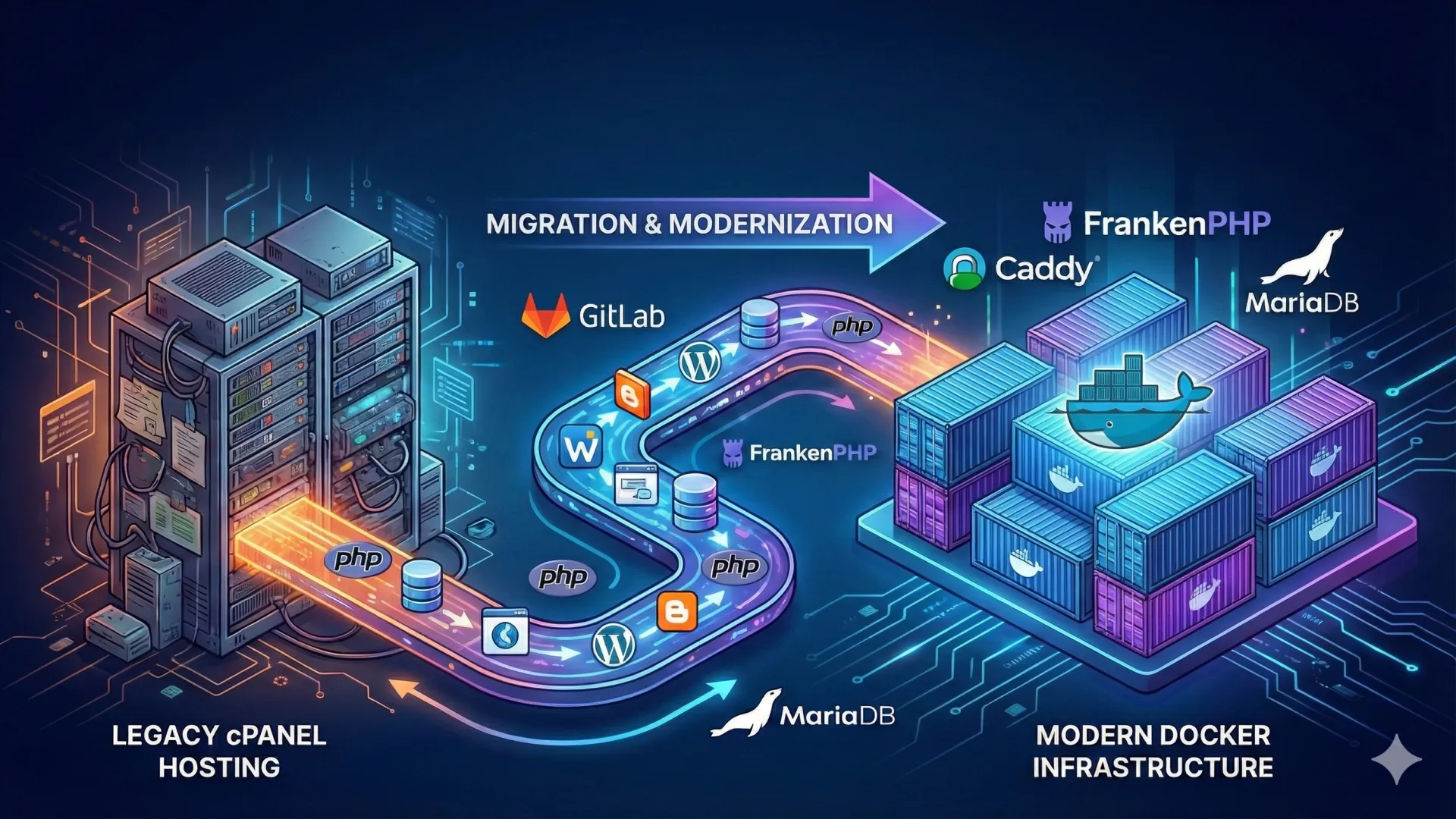
Infrastructure Modernization isn’t just about changing servers; it’s about changing how we work. This project involved architecting and executing a high-stakes migration of 50+ production web applications from a legacy cPanel shared hosting environment to a modern, scalable Dockerized VPS infrastructure.
By moving to a container-based architecture, I solved critical “dependency hell” issues, improved security isolation, and reduced deployment times from hours to minutes.
The Challenge
Managing 50 different applications on a single monolithic cPanel server presented significant hurdles:
- Dependency Conflicts: Different apps required different PHP versions and extensions, making upgrades risky.
- Manual Deployments: Updates were done via FTP or manual Git pulls, leading to human error and downtime.
- Security Risks: Lack of isolation meant one compromised app could affect the entire server.
The Solution
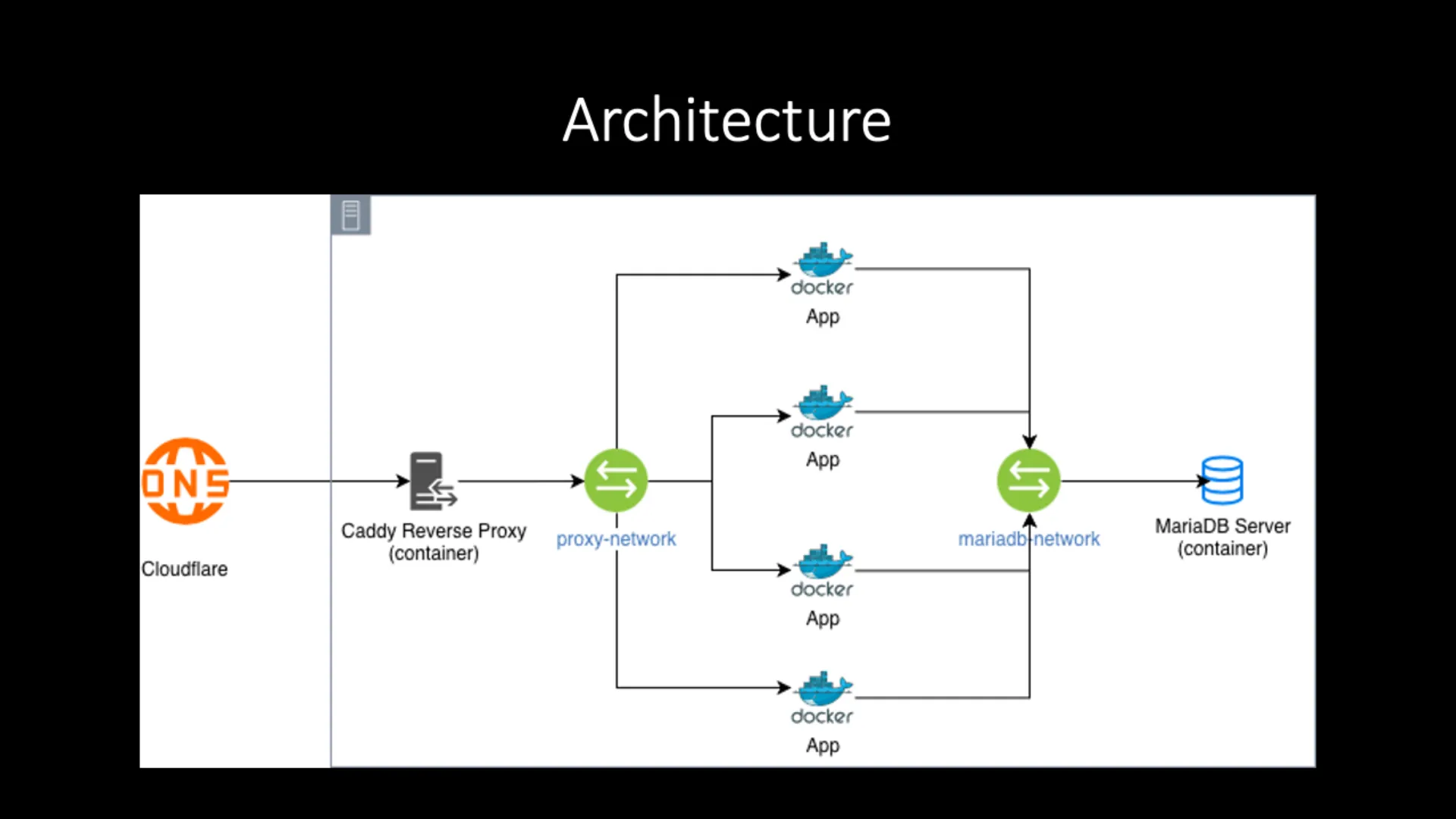
I designed a Micro-services Architecture where each application runs in its own isolated container, orchestrated by Docker Compose, while sharing essential infrastructure resources.
1. Modern Stack Implementation
- Runtime: Switched to FrankenPHP (Alpine) for high-performance, low-memory footprint containers.
- Reverse Proxy: Deployed Caddy Web Server to handle automatic SSL termination and domain routing for all 50+ apps.
- Database: Centralized MariaDB container with persistent volume management to optimize resource usage.
2. Automation & Tooling
To handle the scale of 50+ domains, I developed custom tooling:
- Bulk Provisioning Script: A Bash script (
provision_server_dirs.sh) that reads a CSV inventory and automatically generates directory structures anddocker-compose.ymlfiles. - Standardized Dockerfiles: Created a multi-stage build template that optimizes image size and standardizes the environment across all projects.
3. CI/CD Pipeline
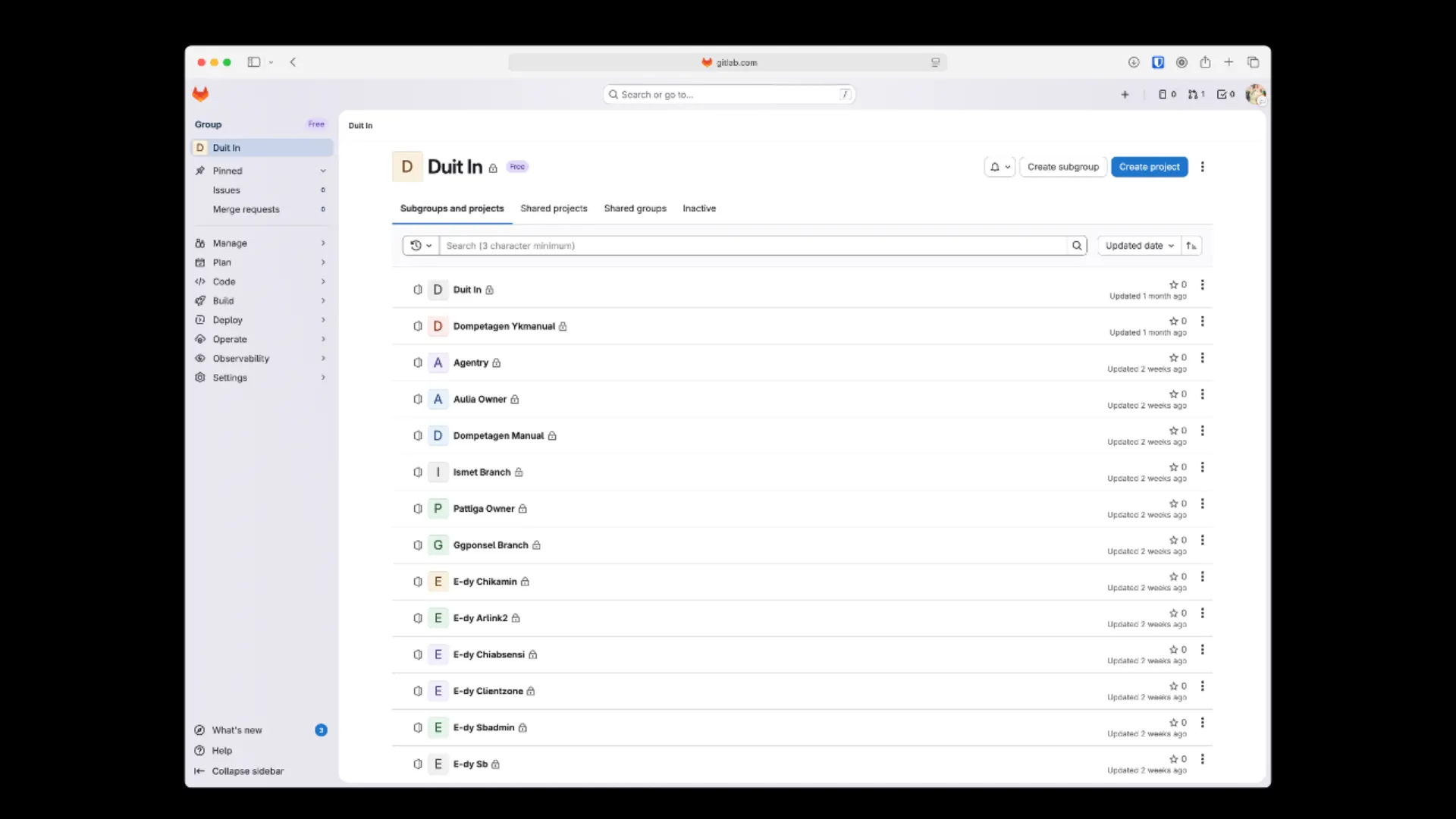
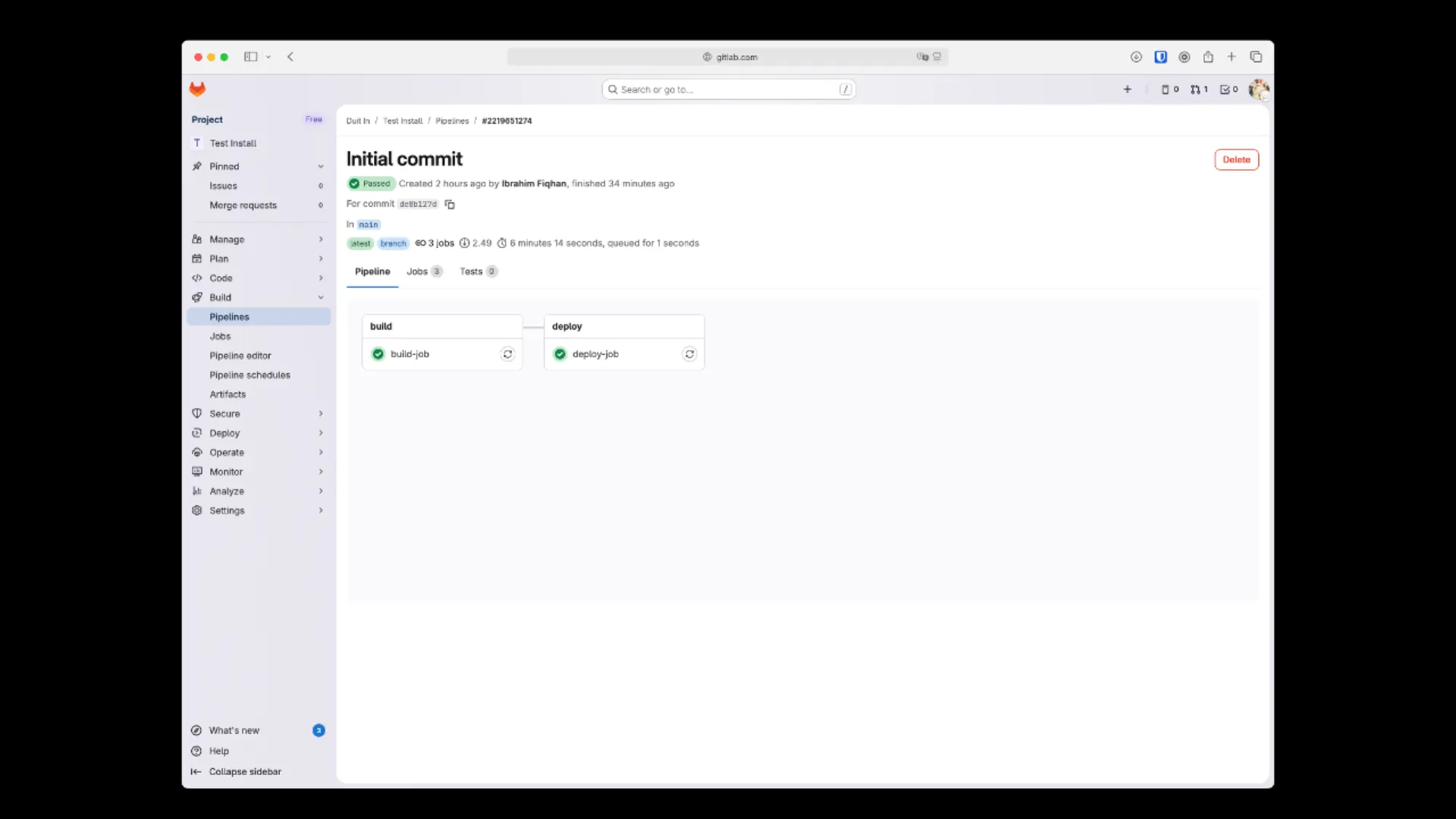
Implemented a GitLab CI/CD pipeline that supports:
- Automated Builds: Dynamic image tagging based on dates.
- Secure Deployment: SSH-based deployment triggers that pull the latest images and restart containers with zero-downtime strategies.
Technologies Used
- Docker & Docker Compose: For containerization and orchestration.
- FrankenPHP: As the modern, high-performance application server.
- GitLab CI/CD: For automating the build, test, and deploy pipeline.
- Bash Scripting: For infrastructure provisioning and automation.
- Caddy: As a modern, automatic HTTPS reverse proxy.
- MariaDB: For centralized data management.
Impact & Results
- 100% Environment Consistency: Eliminated “it works on my machine” issues.
- 90% Faster Deployments: Reduced deployment time significantly via CI/CD automation.
- Enhanced Security: Full isolation between applications preventing cross-site contamination.
This project showcases my ability to handle large-scale infrastructure changes and build custom tooling to solve complex operational problems.
Feel free to check out the automation scripts in the GitHub Repository or contact me to discuss DevOps solutions for your business.

Ready to build your next project with me?
I’m ready to help you build, improve, and launch your next project — just drop a message and let’s get started.
Get Started Now